
2.5G and 10G router ports: who needs multi-gig ports
A multi-gig Ethernet port is a network port that supports speeds above 1 Gbps: 2.5, 5 or 10 Gbps. It uses the standard RJ45 connector and Cat5e/Cat6 or better cables.

In plain words
A regular gigabit port is like a two-lane road: enough for most trips around town. A 2.5G port is like a four-lane road, and 10G a wide motorway. If you have one car, you will not notice the difference. But if you haul cargo every day - big files, games, backups - the motorway makes all the difference.
How it works
- The port automatically negotiates speed with the device at the other end.
- For 2.5 Gbps, Cat5e cable is usually enough.
- For 10 Gbps, Cat6a and shorter runs are preferable.
- Speed is set by the slowest link: port, cable or device.
- A multi-gig WAN is needed for plans faster than 1 Gbps.
Where you'll see it
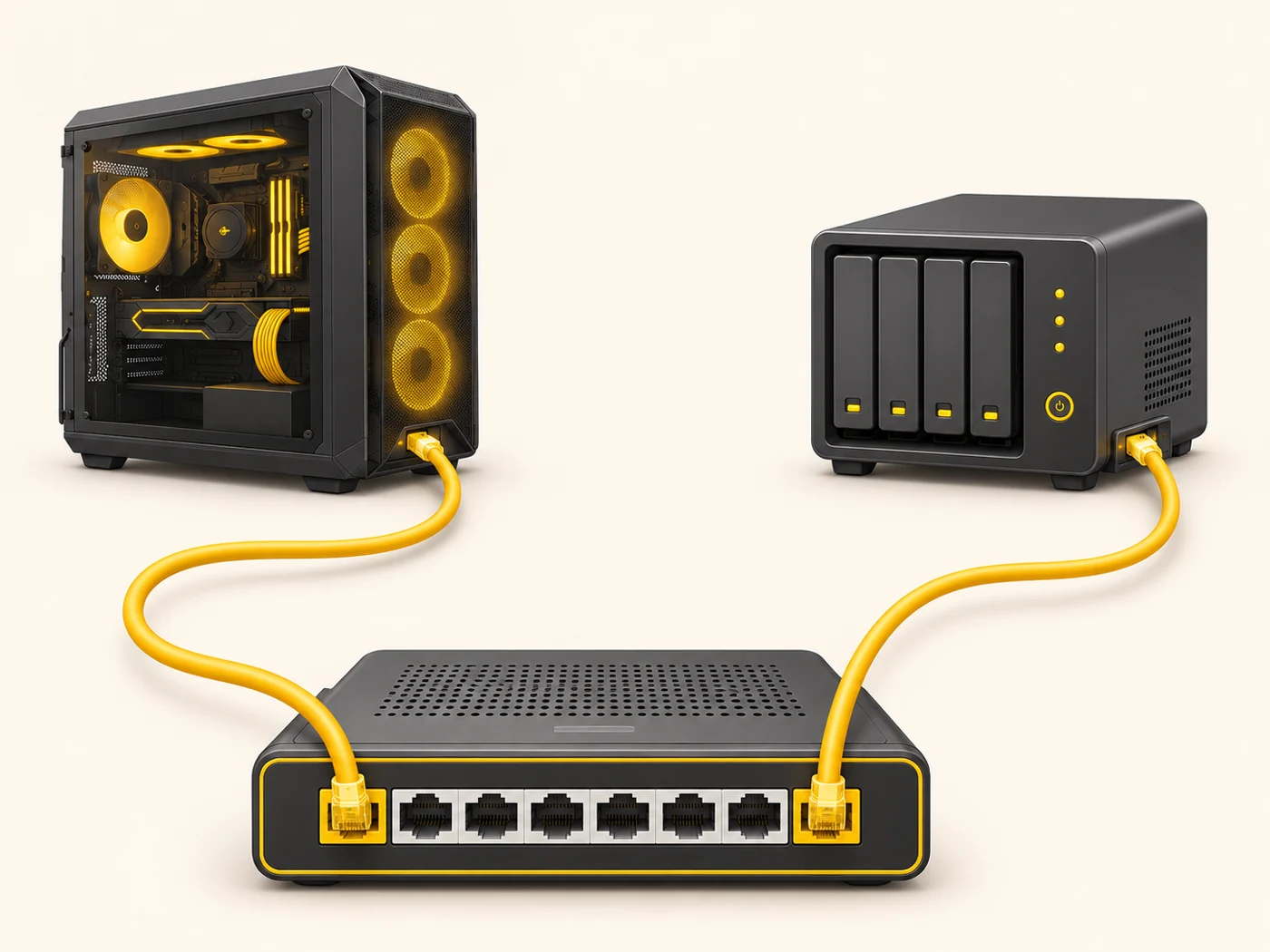
In mid-range and higher Wi-Fi 6/7 routers (2.5G WAN is increasingly common even on budget Wi-Fi 7 models), network storage (NAS), gaming PCs, motherboards and switches. In our router comparisons, the WAN and LAN rows: "1 × 2.5 Gbps".
Does it matter when buying
If your plan is up to 1 Gbps, multi-gig is not essential yet, but it is headroom for the future. A 2.5G LAN port is useful for a fast PC or NAS, and for wiring mesh nodes together. 10G is for enthusiasts and 2-10 Gbps plans.
Myths
- Myth: 2.5G needs a special cable. Reality: A regular Cat5e is usually enough over household distances.
- Myth: A 2.5G port will speed up my 500 Mbps plan. Reality: No, your internet speed is capped by your plan.
FAQ
Are 2.5G ports compatible with gigabit devices?
Yes, they automatically run at the lower speed.
Why a 2.5G WAN if Wi-Fi is fast too?
So fast internet from your provider is not cut down at the entry point.
What is 10G SFP+?
A port for optical modules or special 10 Gbps cables.
Related terms
WAN and LAN, SFP, Wi-Fi 7, Mesh network