
Multitasking: how phones and tablets handle several apps
Multitasking is a system's ability to run several programs at once and switch between them quickly. On phones and tablets this means app switching, split screen, floating windows and background activity.
In plain words
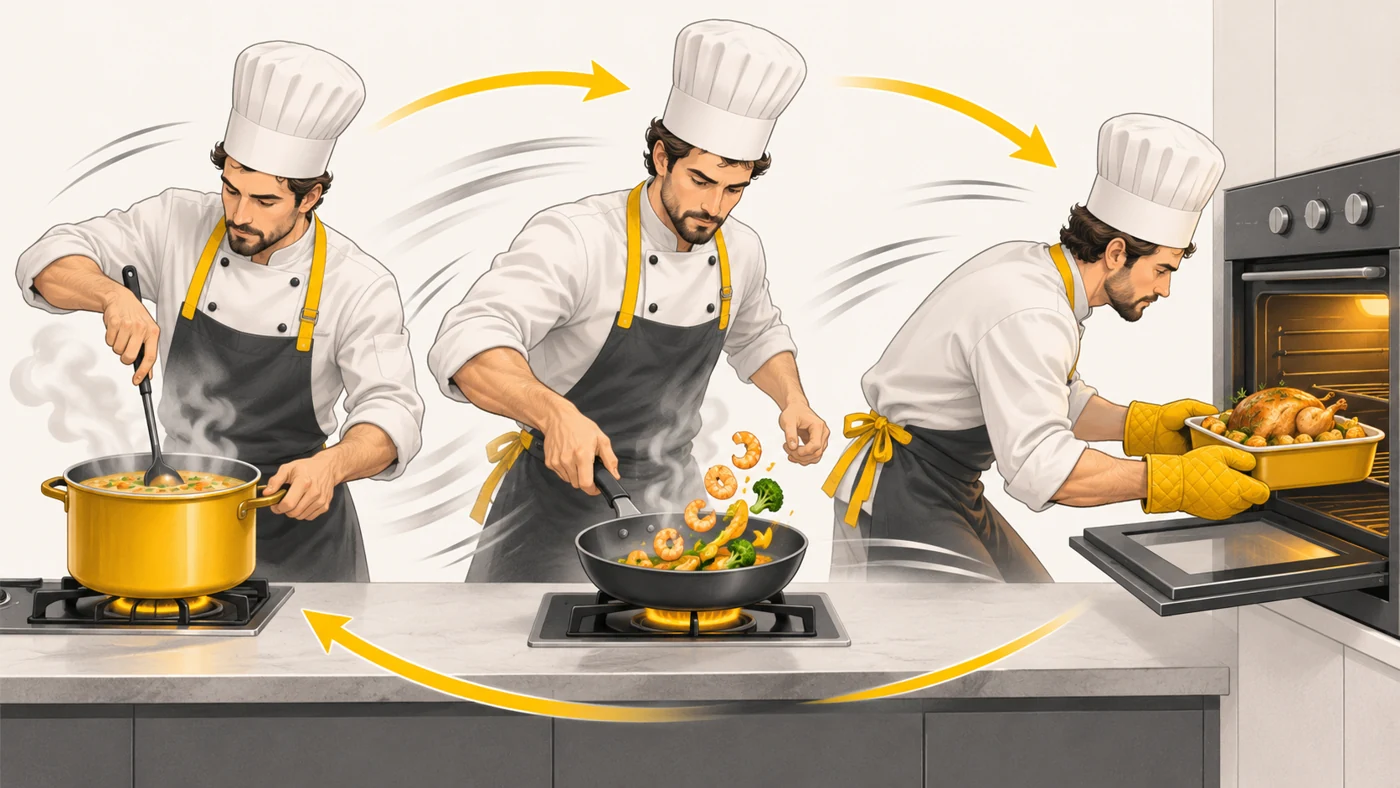
Imagine a cook making soup, frying burgers and baking a pie at the same time. They do not do everything at once but switch very quickly: stir the soup, flip the burgers, check the oven. A processor switches between programs thousands of times a second in the same way, and RAM is like the size of the kitchen worktop.
How it works
- The operating system shares processor time between apps.
- The active app gets the most resources.
- Background apps are "paused" but stay in memory.
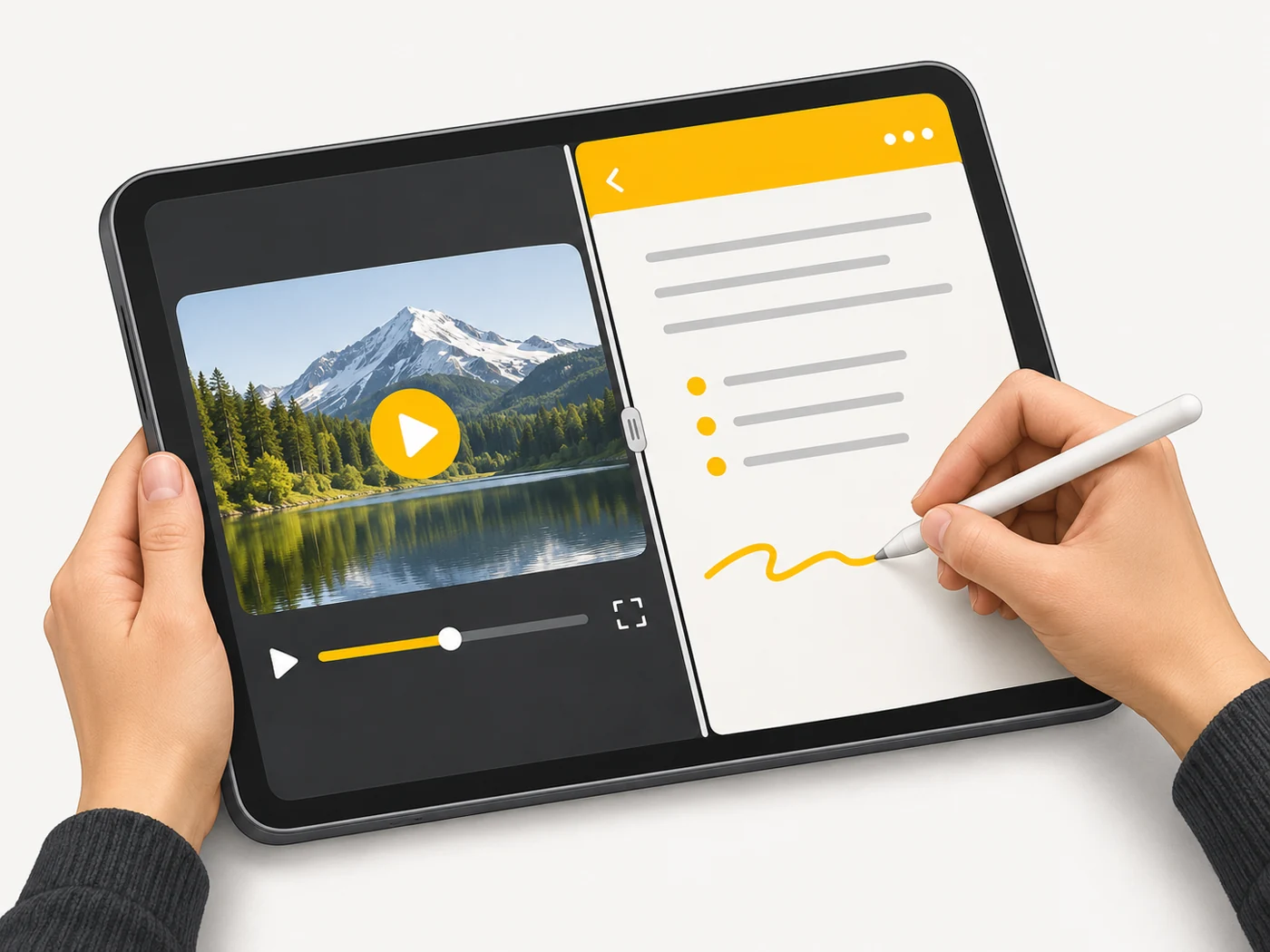
- Split screen and windows let you see two or three apps together.
- If memory runs low, the system closes older background apps.
Where you'll see it
Android has split screen and floating windows; Samsung tablets have DeX; iPad has Stage Manager and Split View; computers have ordinary windows. Specs do not mention it, but RAM and the skin make a difference.
Does it matter when buying
For studying on a tablet it is very useful: a video and your notes side by side. On a phone, it matters that apps do not reload when you return to them - 8-12 GB of RAM helps here.
Myths
- Myth: You should keep closing background apps. Reality: The system manages them; closing them manually often hurts speed.
- Myth: Multitasking works the same on every tablet. Reality: Capabilities differ a lot between iPadOS, Android and skins.
FAQ
How do I use split screen on Android?
Open recent apps and choose "Split screen".
What is Samsung DeX?
A mode in which a tablet or phone works like a computer with windows.
Why do my apps restart?
Not enough RAM or aggressive battery saving.