
PPPoE, IPoE, DHCP: which router settings to choose
PPPoE, IPoE (DHCP) and static IP are the ways a router connects to the provider's network. PPPoE needs a username and password, DHCP/IPoE hands out settings automatically, and a static IP is entered manually.

In plain words
Imagine entering a club. PPPoE is like entry with a pass, name and password: the bouncer checks you every time. DHCP is like entry with a wristband you got at registration: you just walk up and they recognise your "wristband" (the device's address). A static IP is like a named seat at a table reserved for you permanently.
How it works
- The provider chooses how to authorise customers.
- With PPPoE, the router sends the username and password from your contract every time.
- With DHCP/IPoE, the router simply gets an address automatically, sometimes tied to a MAC address.
- A static IP is entered manually: address, mask, gateway, DNS.
- Once set up correctly, the router shares the internet over LAN and Wi-Fi.
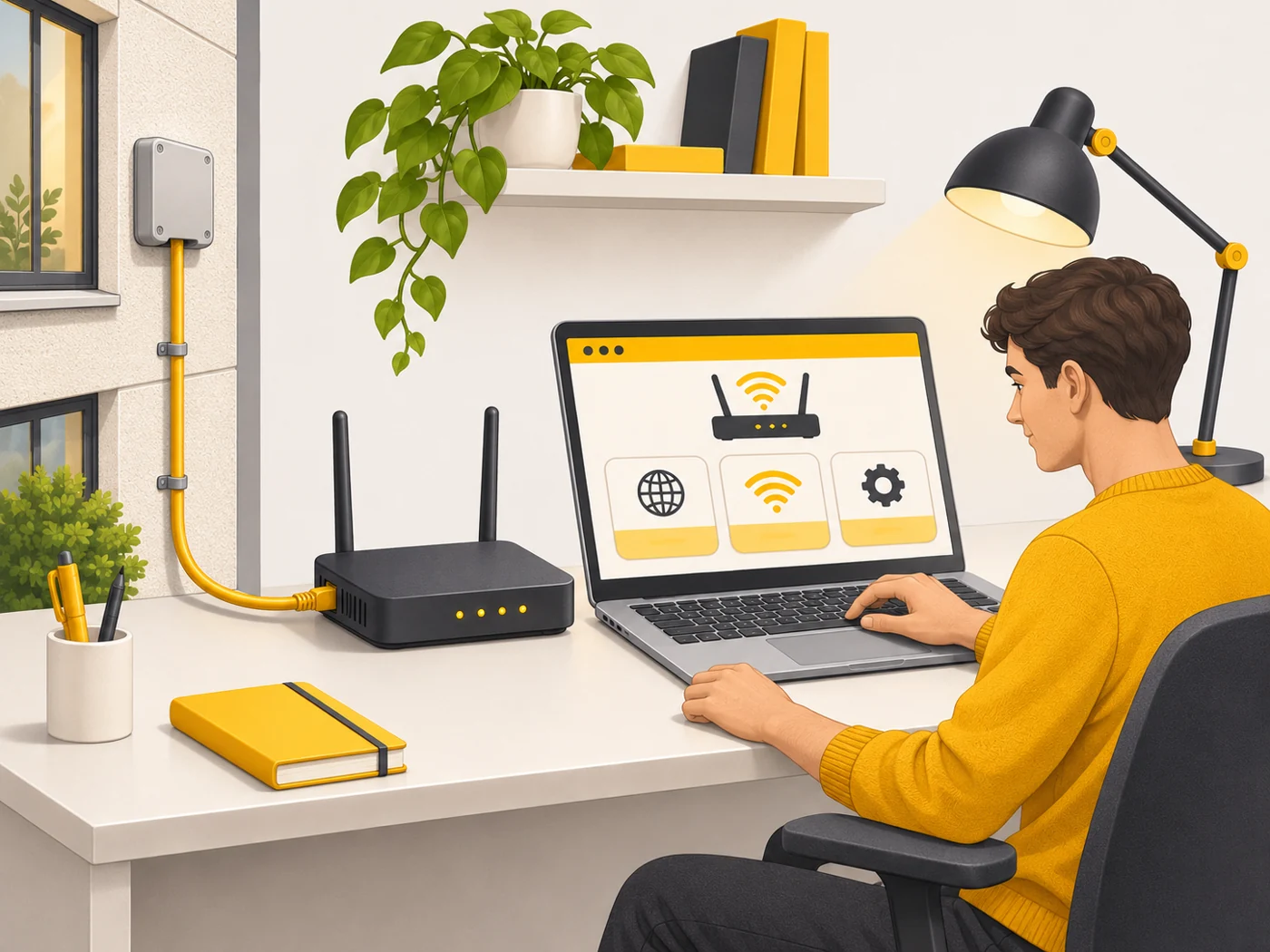
Where you'll see it
In the router settings, under Internet or WAN. The connection type is stated in your contract or on the provider's website. Many routers have a setup wizard that detects the type automatically.
Does it matter when buying
Yes, because without the right type there will be no internet. If you replace your router and nothing works with DHCP, the provider may be tying access to the old router's MAC address: you can clone it in the settings or ask the provider to update it. Keep your PPPoE username and password somewhere safe - you will need them.
Myths
- Myth: PPPoE is slower than DHCP. Reality: On modern routers the difference is minimal unless the router's processor is very weak.
- Myth: You can choose the connection type yourself. Reality: The provider decides it.
FAQ
Where do I find my PPPoE username and password?
In your contract, the provider's customer portal, or from support.
What is MAC address cloning?
When a new router "introduces itself" to the provider using the old router's address.
What is IPoE?
A connection over IP on Ethernet, often with automatic settings like DHCP.