
Ethernet: the wired network that is still the most stable
Ethernet is a family of wired local network standards. Devices connect with a network cable (twisted pair) with RJ45 connectors and get a stable connection at speeds from 100 Mbps to 10 Gbps and beyond.
In plain words
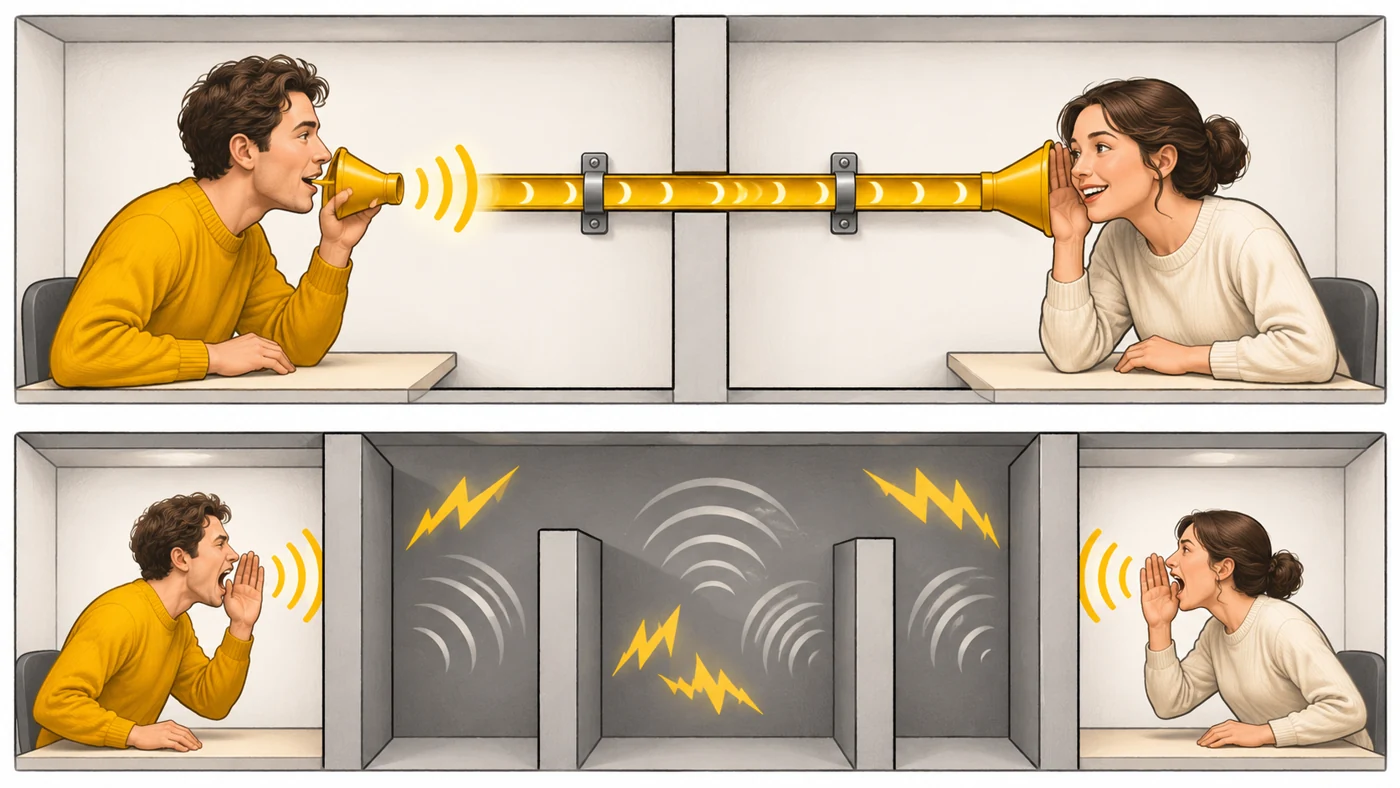
Wi-Fi is like talking across a room: convenient, but walls, noise and neighbours get in the way. Ethernet is like a speaking tube between two rooms: less flexible, but you always hear clearly, with no interference or delay.
How it works
- A cable connects the device to a router or switch.
- Data travels as electrical signals along twisted pairs of wires.
- The twisting reduces interference.
- Devices agree on a speed: 100 Mbps, 1, 2.5 or 10 Gbps.
- The cable can also carry power (PoE).
Where you'll see it
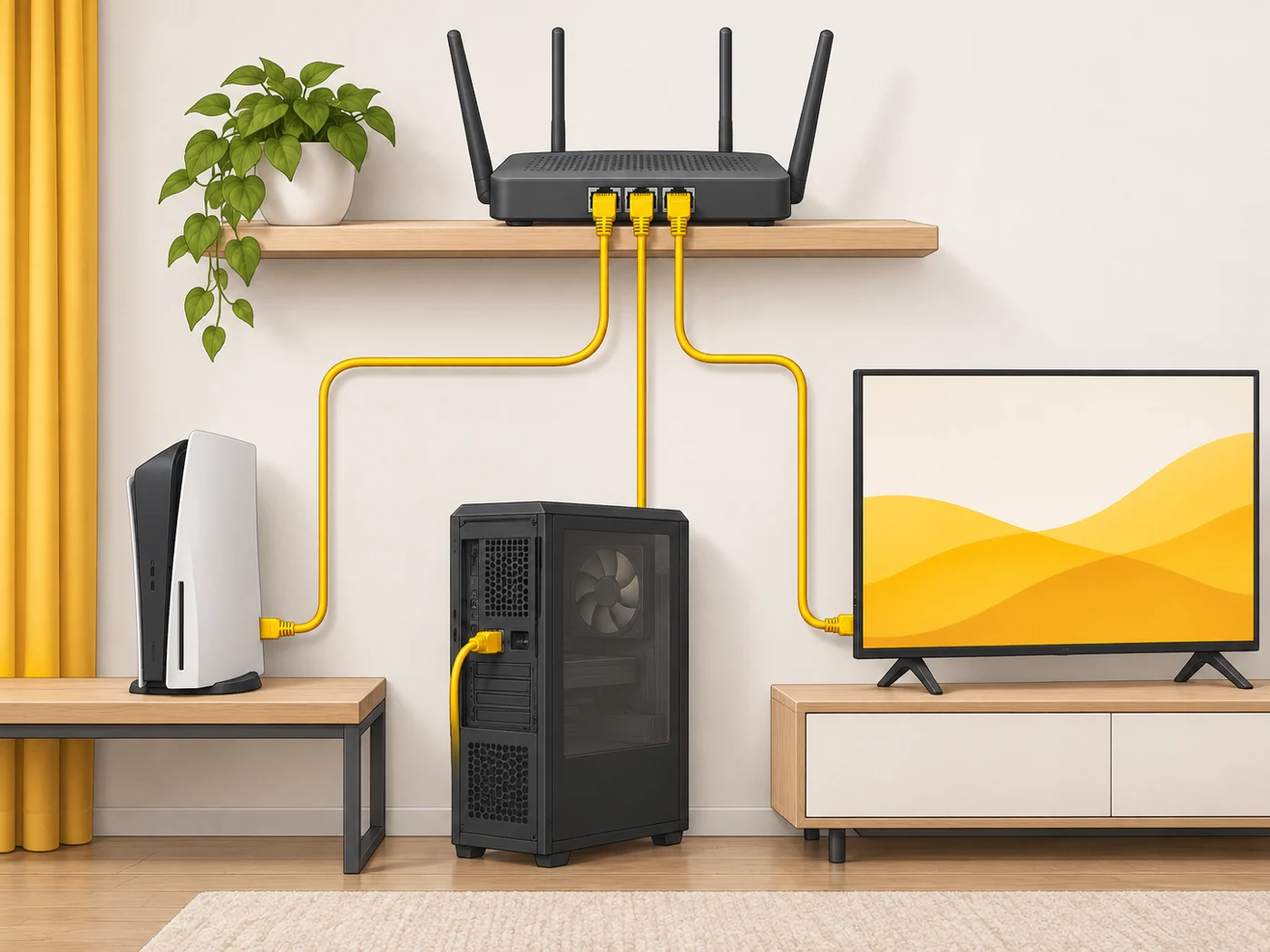
Ethernet ports are found on routers (WAN/LAN), computers, laptops (or via a USB-C adapter), TVs, consoles and IP cameras. In our router comparisons, the WAN and LAN rows.
Does it matter when buying
For a gaming PC, a console, a TV streaming 4K or a work computer, a cable is the best choice: minimal latency and great stability. For a gigabit plan, use Category 5e or 6 cable.
Myths
- Myth: Wi-Fi 7 has completely replaced cables. Reality: A cable is still more stable and has lower latency.
- Myth: Any cable can handle a gigabit. Reality: Old or damaged cables can limit speed to 100 Mbps.
FAQ
Which cable category should I buy?
Cat5e for gigabit; Cat6/6a to leave room for 2.5-10 Gbps.
How do I connect a laptop with no Ethernet port?
With a USB-C to Ethernet adapter.
How long can the cable be?
Up to 100 metres without losing speed.